

Download Firefox Focus – Private Mobile Browser, Secure Web Browsing, Tracker Blocker
Overview
Firefox Focus is a privacy-focused mobile browser developed by Mozilla, designed to deliver a secure and streamlined browsing experience. Its primary purpose is to protect user privacy by eliminating data retention and blocking invasive tracking technologies. Unlike conventional browsers, Firefox Focus does not store browsing history, cookies, passwords, or session data, ensuring that no trace of your online activity remains after the session ends. This makes it ideal for users seeking temporary, secure access to the web—such as when using public devices or accessing sensitive information on the go.
The software targets privacy-conscious individuals, including professionals handling confidential data, travelers, and casual users who prioritize anonymity. It operates on a minimalist principle: no tabs, no bookmarks, no saved credentials—only clean, private browsing. Real-world use cases include checking emails on shared devices, researching sensitive topics without leaving a footprint, or quickly accessing information without the clutter of persistent data. The developer, Mozilla, is well-known for its commitment to open web standards and user privacy, lending credibility to the app’s mission. However, exact system requirements and performance benchmarks were not specified.
Key Features & Capabilities
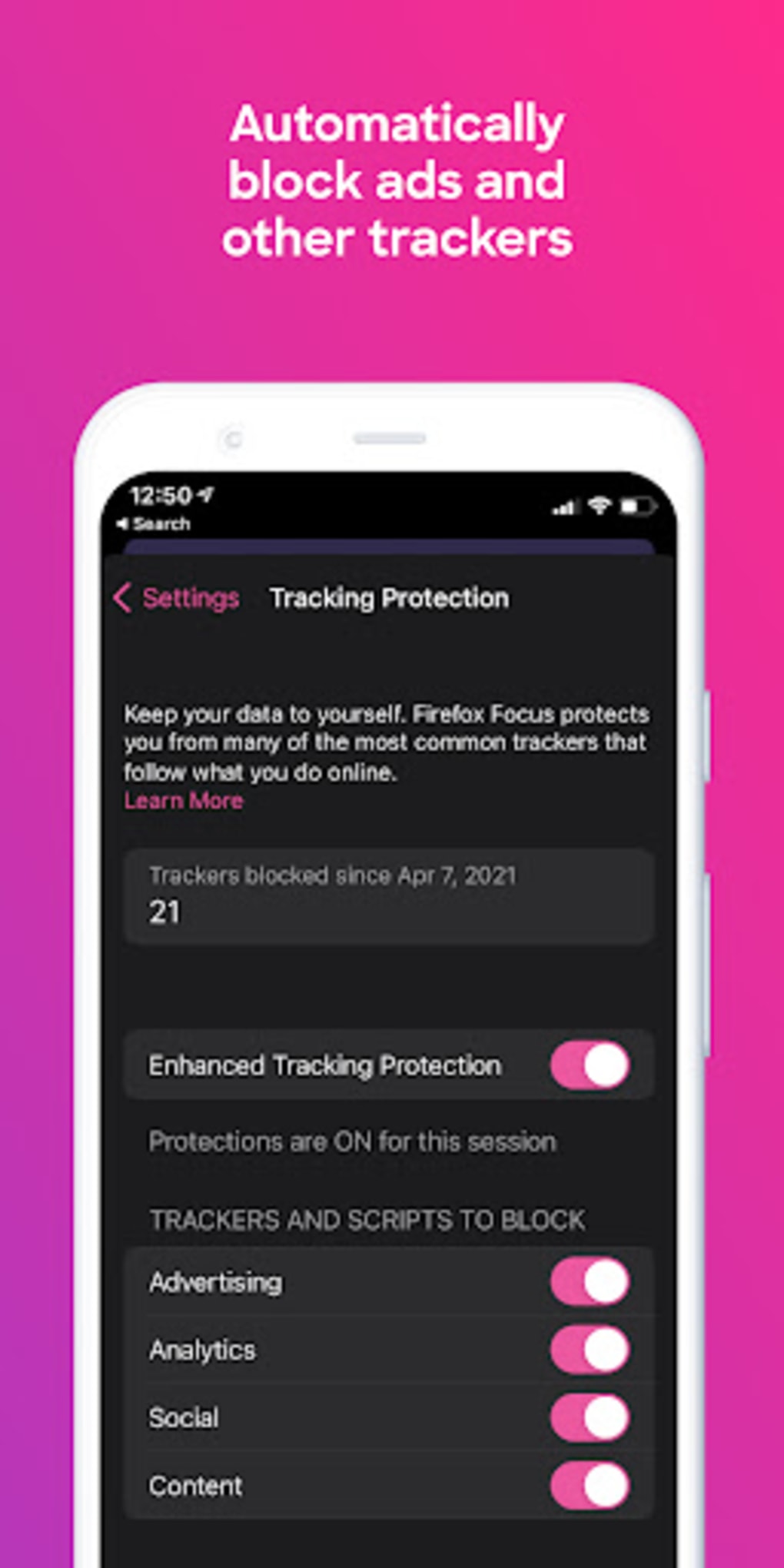
- Tracker Blocking – Automatically blocks analytics, social media, and advertising trackers, reducing page load times and improving privacy.
- Session-Based Privacy – All browsing data, including cookies and history, is erased when the app is closed, ensuring no digital footprint remains.
- Customizable Blockers – Users can enable or disable specific tracker categories through the settings menu, allowing for tailored privacy preferences.
- Privacy Dashboard – Displays a real-time count of blocked trackers, offering transparency into the level of protection during each session.
- Share Functionality – Allows users to share web pages directly to other apps or open them in a regular Firefox browser for saving.
- Language Settings – Supports multiple languages to improve accessibility and usability across regions.
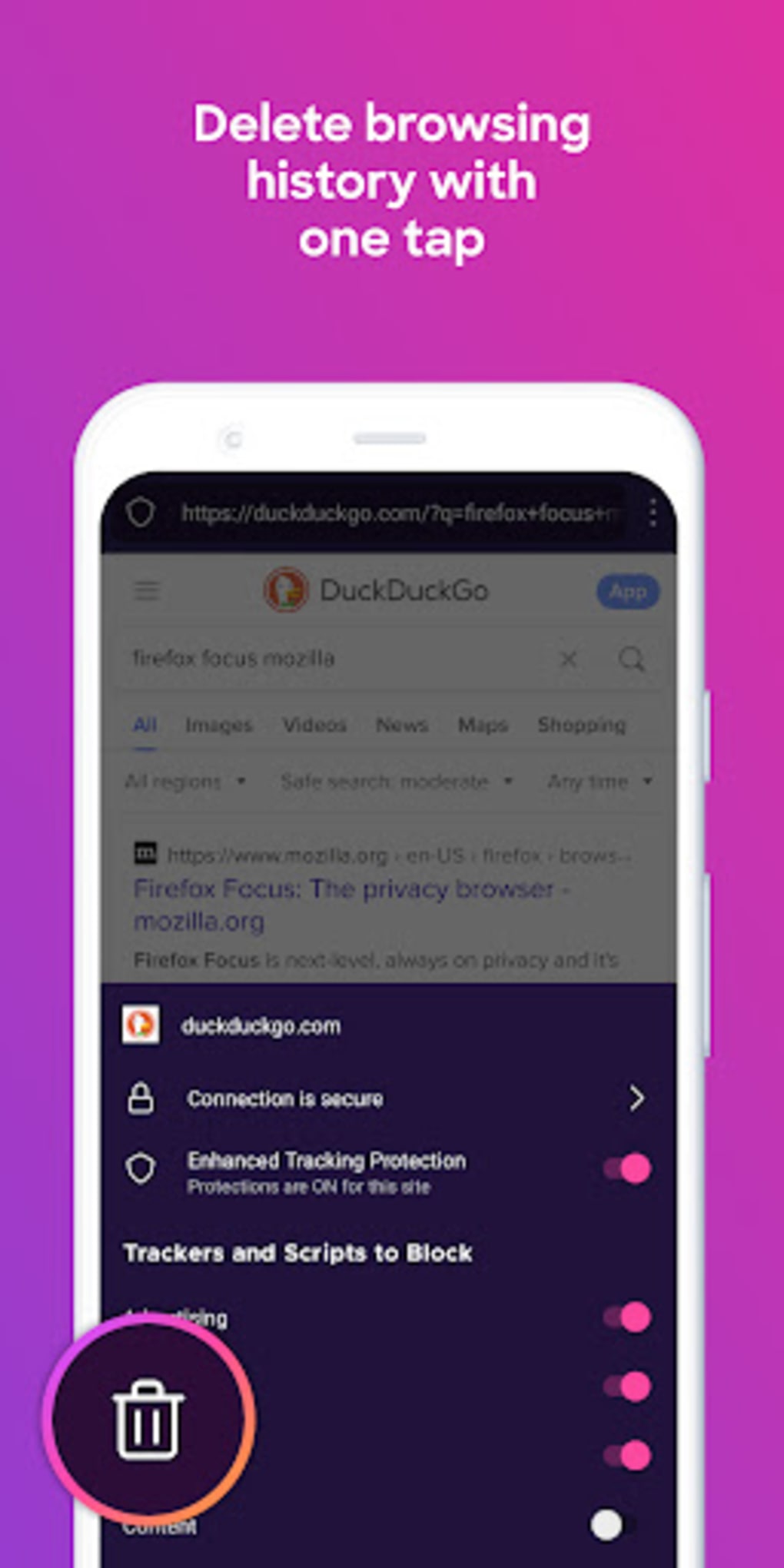
- On-Demand Erase – A dedicated button near the URL bar lets users clear session data instantly without closing the app.
These features support scenarios such as researching medical conditions without leaving a trace, checking financial accounts on public Wi-Fi, or quickly gathering information during travel. By removing unnecessary content and scripts, Firefox Focus also contributes to faster page rendering and reduced data consumption. However, the absence of bookmarks and tabs limits long-term usability, making it unsuitable for extended browsing sessions.
User Interface, Workflow & Performance
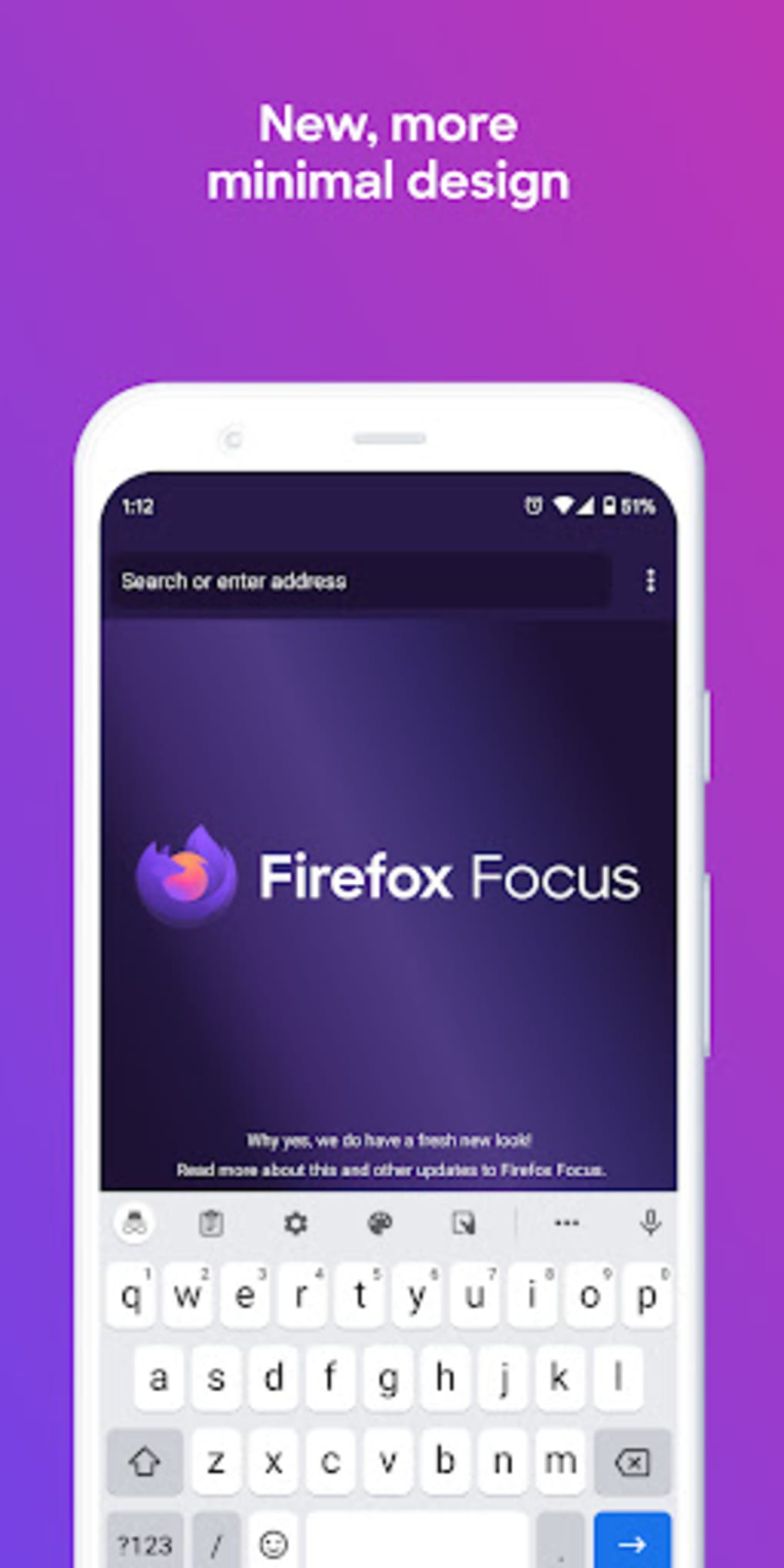
The user interface of Firefox Focus is intentionally minimal, featuring a clean URL bar at the top, a single search engine input field, and a prominent erase button. Navigation is straightforward: users type a URL or search query, and the browser loads the page with trackers blocked. The workflow is optimized for speed and simplicity—there are no menus, no settings clutter, and no persistent data storage.
Despite its simplicity, the app may encounter instability, with reports indicating occasional glitches that require restarting the session or closing the app. Performance observations are based on general software behavior patterns, as exact CPU or RAM usage details were not provided. The app is designed to load pages quickly due to tracker blocking, but real-world speed may vary depending on network conditions and website complexity. Stability and responsiveness are not explicitly confirmed by the developer. Users should expect occasional disruptions, particularly during extended use or on lower-end devices.
Compatibility & System Requirements
Firefox Focus is designed for mobile platforms, specifically Android and iOS, though the exact OS versions were not specified. The installation size is not publicly disclosed, nor are detailed hardware requirements. Compatibility information was partially provided, with the app being available through official app stores for both major mobile operating systems. The developer did not specify minimum RAM, processor, or storage needs. Users should ensure their device meets general app installation standards for their platform.
For users on older devices, performance may vary, and updates may be required to maintain compatibility. The app does not support desktop operating systems. Installation is handled through standard app distribution channels, and no additional drivers or dependencies are required.
Pros and Cons
Pros
- Strong privacy protection with automatic tracker blocking
- Zero data retention after session ends
- Fast page loading due to content filtering
- Simple, intuitive interface for quick access
- Supports multiple languages and customizable blocker settings
- Can share pages with other apps or regular Firefox browser
Cons
- No bookmarks or tabs for persistent browsing
- Session data is permanently erased upon closing
- Not suitable as a primary browser for regular use
- Occasional stability issues and app glitches reported
- Limited functionality compared to full-featured browsers
- No password saving or autofill capabilities
FAQ Section
Is Firefox Focus available for Windows or Mac?
Firefox Focus is designed for mobile platforms only and is not available for desktop operating systems like Windows or Mac.
Is Firefox Focus safe to use?
Yes, Firefox Focus is developed by Mozilla, a trusted organization in web privacy. It does not store browsing data, cookies, or passwords, making it a secure choice for private browsing.
Can I update Firefox Focus manually?
Updates are typically delivered through official app stores (Google Play and Apple App Store), and users are encouraged to keep the app updated for security and performance improvements.
What type of license does Firefox Focus use?
Firefox Focus is free to download and use, with no cost or subscription required. It is distributed under a free and open-source model.
Does Firefox Focus work offline?
Firefox Focus requires an active internet connection to load web pages. It does not support offline browsing or cached content retrieval.
Final Thoughts
Firefox Focus stands out as a dedicated privacy tool for users who value security and anonymity during web browsing. While it lacks the full functionality of a standard browser, its minimalist design and robust tracker-blocking capabilities make it an excellent choice for temporary, secure sessions. It excels in scenarios where privacy is paramount, such as public Wi-Fi use or sensitive research. However, its absence of bookmarks, tabs, and persistent data storage limits its practicality as a daily driver. Occasional instability may also affect user experience.
For individuals seeking a lightweight, secure, and fast mobile browser for one-time or private tasks, Firefox Focus delivers on its promise. It is not intended to replace a full-featured browser but serves as a powerful supplementary tool. If you're looking for a reliable, private browsing experience on your smartphone, this app is worth trying.
Download Firefox Focus now





.png)

